Annual report videos
A 24-page annual report becomes a two-minute narrated video donors watch on their phones.
Long report in. Short video out.
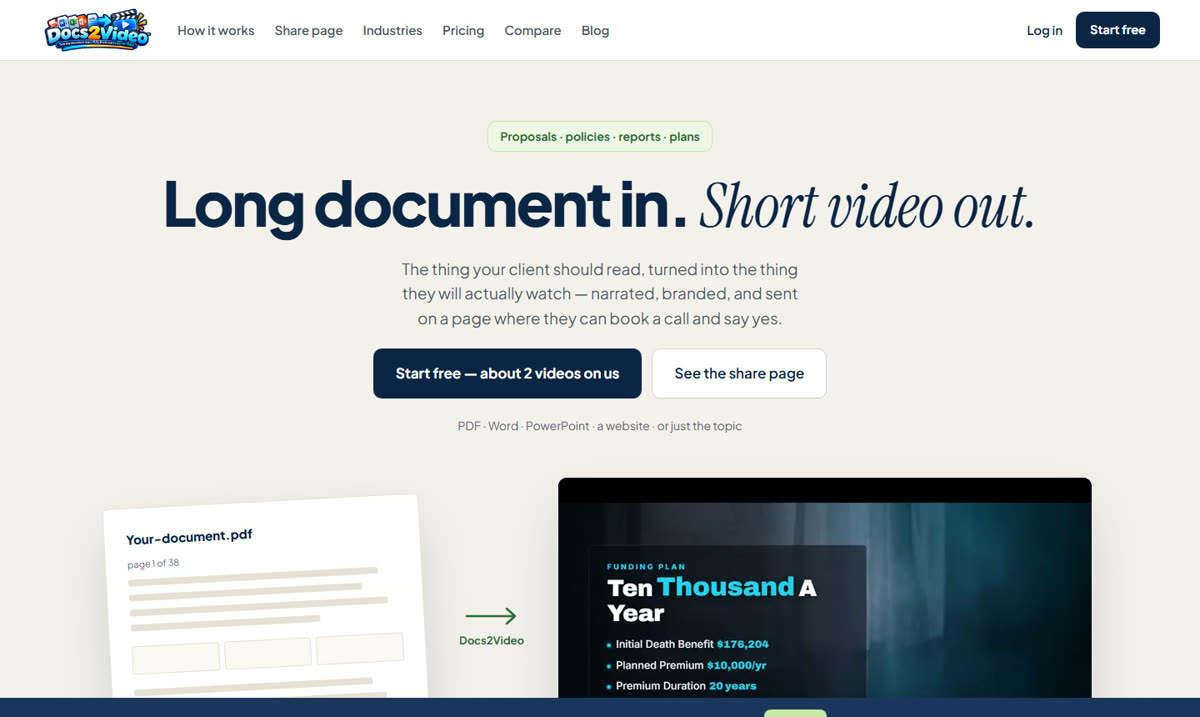
Docs2Video turns long documents into short narrated videos on a branded page people can watch, then act from. For a nonprofit that means the annual report, the grant report or the program overview finally gets seen by the people it was written for.
$0 to startFree about 2 videos · Pro $79/month
For nonprofits
A 24-page annual report becomes a two-minute narrated video donors watch on their phones.
Send a funder a short video walkthrough with the written report, so the results are the first thing they see.
Turn the board handbook or the volunteer manual into a video new people can watch before their first day.
The share page carries booking buttons and payment links, and you get an alert when someone opens it.
How it works
Upload a PDF, Word file, PowerPoint or website, or just describe the topic.
Choose a visual style and an AI narrator voice.
Send the branded page. You are alerted when it is opened.
What's included
From docs2video.com.
Pricing
As listed on docs2video.com in October 2026. The tool's own site has the current plans, and it's where you'll sign up and pay.
$0
$79/month
$199/month
$499/month
Questions
PDF, Word and PowerPoint files, a website, or a description of the topic.
Yes. You get a notification when the share page is opened.
Only with their written permission, and never a child without a parent’s permission. Our impact video guide covers what to check.
More in the toolkit