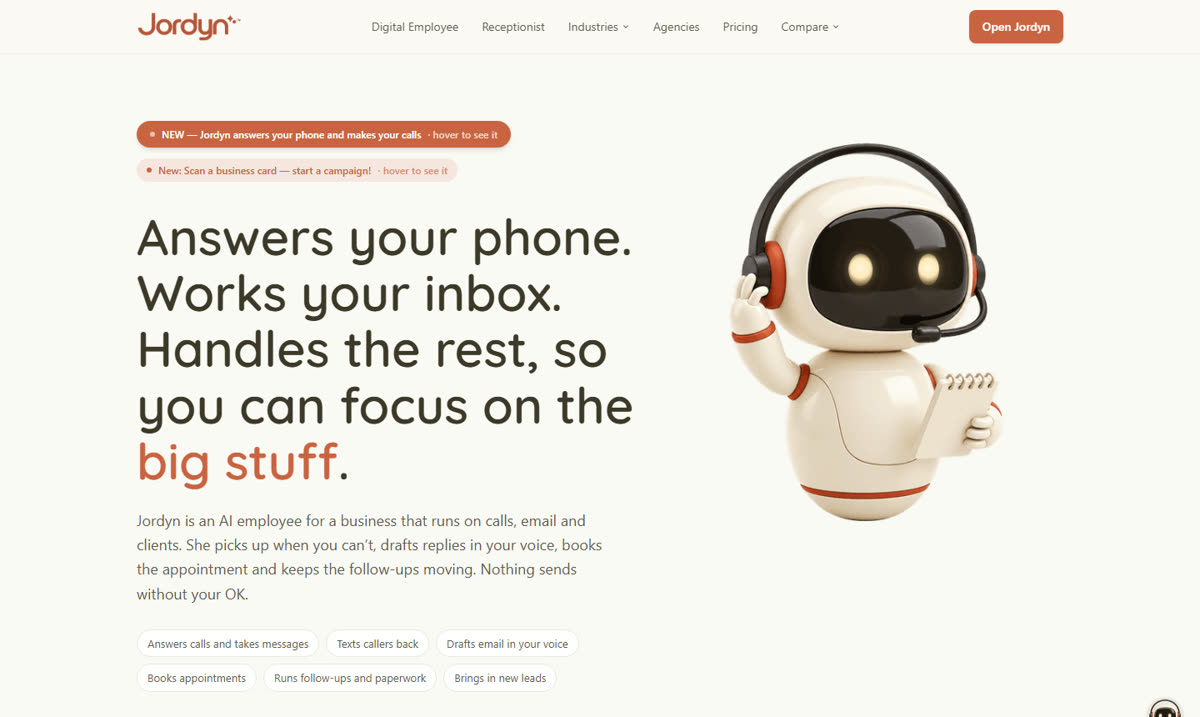
Jordyn
- Answers calls and books meetings
- Drafts replies in your voice
- Writes letters and PDFs on your letterhead
$499/monthFree trial
Built for nonprofits, charities & ministries.
The phone, the inbox, the thank-yous and the board deck, off your plate.

Donors watch what they would never read.
The toolkit
Each one takes a part of the week that isn't the mission: the phone, the inbox, the video and the slides. Use one, or use all four together.
Your phone answered. Your inbox worked. Your thank-yous written.
Jordyn picks up when you're at a site visit or in a board meeting, books the call on your calendar and drafts the reply in your voice. It writes the thank-you letter on your letterhead and keeps follow-ups moving, and nothing sends without your OK.
“Nothing goes out without your OK unless you tell it can, and that rule is enforced by the software, not by my memory.” from jordyn.app
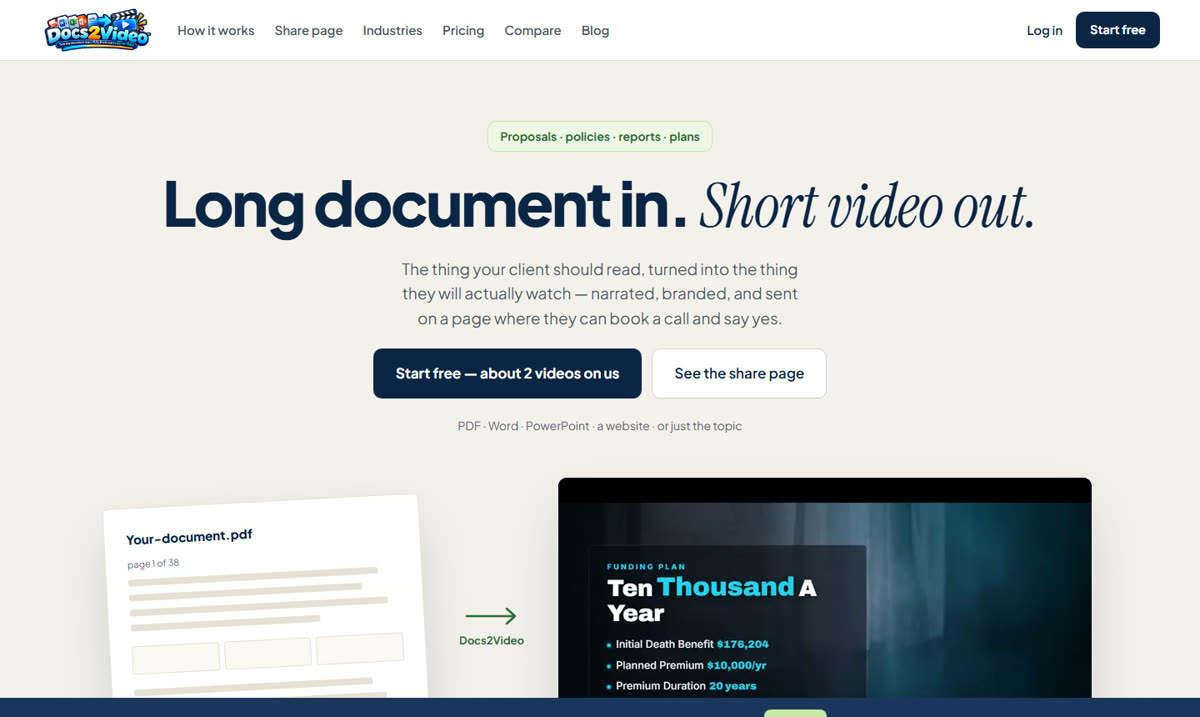
Long report in. Short video out.
Donors don't read a 24-page annual report. Docs2Video turns the PDF, Word file or deck into a short narrated video on a branded page, and tells you when it's opened.
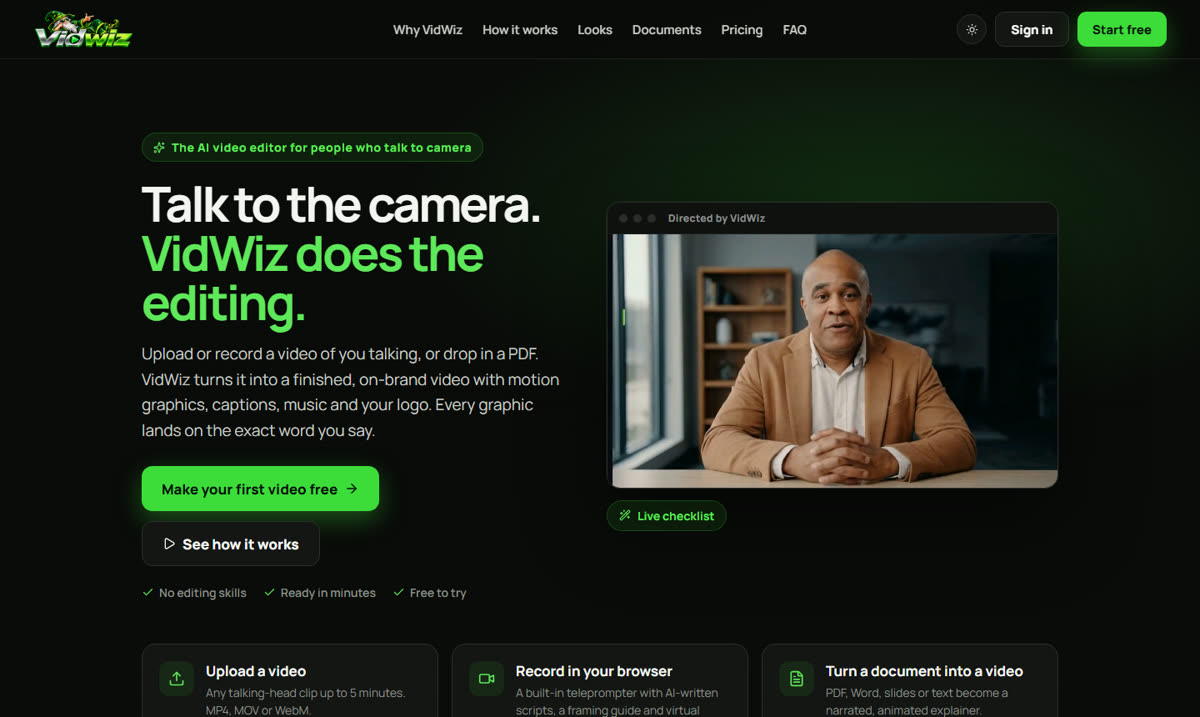
Talk to the camera. VidWiz does the editing.
Record a 45-second thank-you from the executive director, straight from the browser teleprompter. VidWiz adds the captions, graphics, music and your logo, each graphic timed to the word you say.
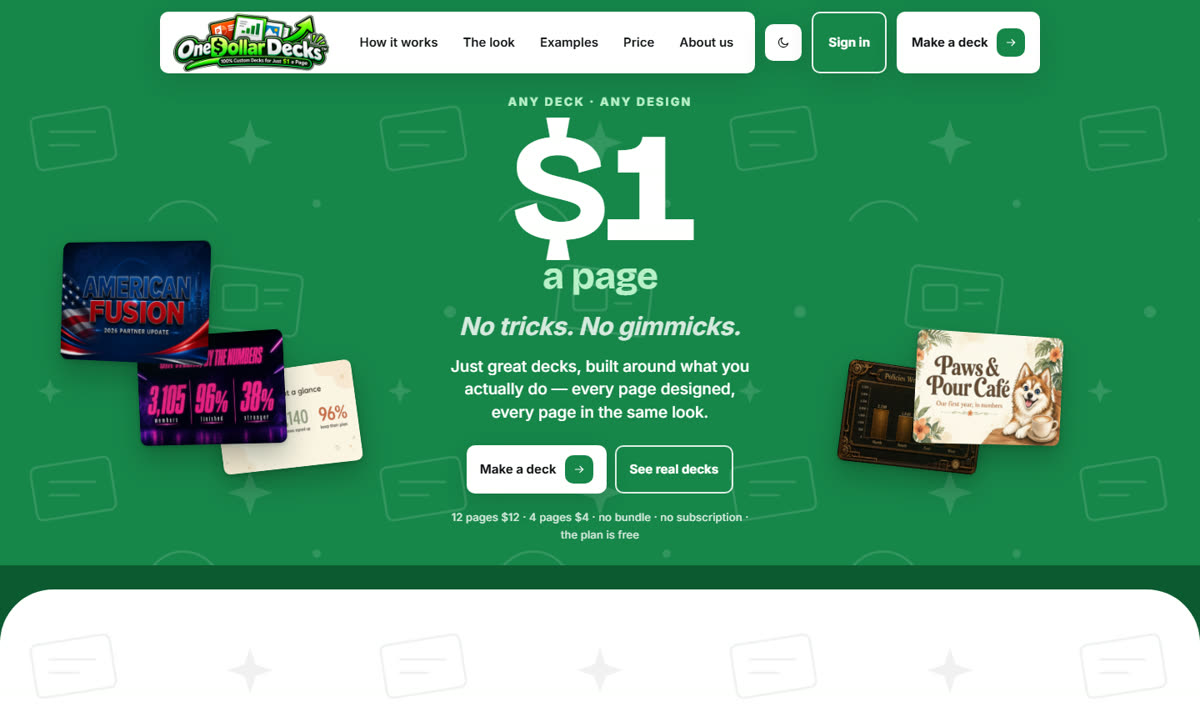
A finished slide deck, $1 a page.
Send the financials, your notes or a one-line brief. You approve the outline before you pay, pick a look, and get a finished 16:9 deck for the board meeting, the donor lunch or the gala screen.
How it fits
How the toolkit fits around a single December campaign, start to finish.
A longtime donor calls about a year-end gift while you are at a site visit. Jordyn answers, books a call with the director and drafts the thank-you letter for your OK.
The 24-page annual report becomes a two-minute narrated video on a share page. You know when each donor opens it.
A ten-page board update from the program numbers and your notes, ten dollars, in your colors.
A 45-second thank-you from the executive director, recorded on a webcam, captioned and branded in minutes.
Example workflow. Check every gift acknowledgment and appeal against IRS and state rules before it goes out.
Who it's for
Small nonprofits, fundraising teams, and churches and ministries each get a different week back.
One to five people doing everything. These take the admin.
See how it fits For development teamsMore donors means more follow-up. These keep it moving.
See how it fits For churches and ministriesThe office, the giving and the slides for Sunday.
See how it fitsFree resources
Short, practical and free. No sign-up.
What to plan in October, send in November and December, and finish in January.
Read the guide Cadence · 3 min readA simple thank-you rhythm that keeps donors close without asking again too soon.
Read the guide Script · 3 min readA simple structure for a short impact video donors will actually watch.
Read the guide Outline · 4 min readAn outline that gets the board through the numbers and on to the decisions.
Read the guideThe tools help you communicate clearly. They do not replace your own review.
Nothing sends without your OK. Emails, texts and letters wait for your approval.
Every video lives on one share page you choose to send, and you are told when it is opened.
You see a summary of the message first, and can change any word or graphic before you export.
You approve the outline before a single page is designed.
Follow IRS rules for gift acknowledgments and your states’ charitable solicitation rules. Have a person review every appeal and acknowledgment before it goes out.
Read the compliance guidesQuestions
Nonprofits, charities, churches and ministries with small teams that spend too much of the week on the phone, the inbox and the paperwork, and want more of it for the mission.
No. Each one works on its own. Start with the one that fixes your biggest headache: usually the phone and inbox (Jordyn), a report nobody reads (Docs2Video) or the board deck (One Dollar Decks).
No. The prices on this site are the tools' standard prices, as listed on each tool's site. Docs2Video has a free plan, VidWiz makes a free storyboard of your first video, Jordyn has a 14-day free trial, and One Dollar Decks charges $1 a page with no subscription.
Docs2Video has a free plan. VidWiz starts at $299 a month, after a free storyboard of your first video. Jordyn's Digital Employee is $499 a month after a 14-day free trial, with the phone line as an add-on billed by the minute. One Dollar Decks charges $1 a page. Prices were checked in October 2026; each tool's site has the current plans.
Jordyn waits for your approval before emails, texts or letters go out. Videos and decks are files and links you choose to share. A person on your team stays in charge of what donors receive.
BotMakers, Inc., which builds all four tools. We made this site to put them, and practical guides for nonprofit teams, in one place.